Topout Log
Climbing log with Watch app
Topout Log is a record book for climbers. Log a climb from your wrist in two taps, or on the phone, then see your sessions, projects and stats. It is quick to use at the wall and quiet the rest of the time.
A look at it
Log on your Watch
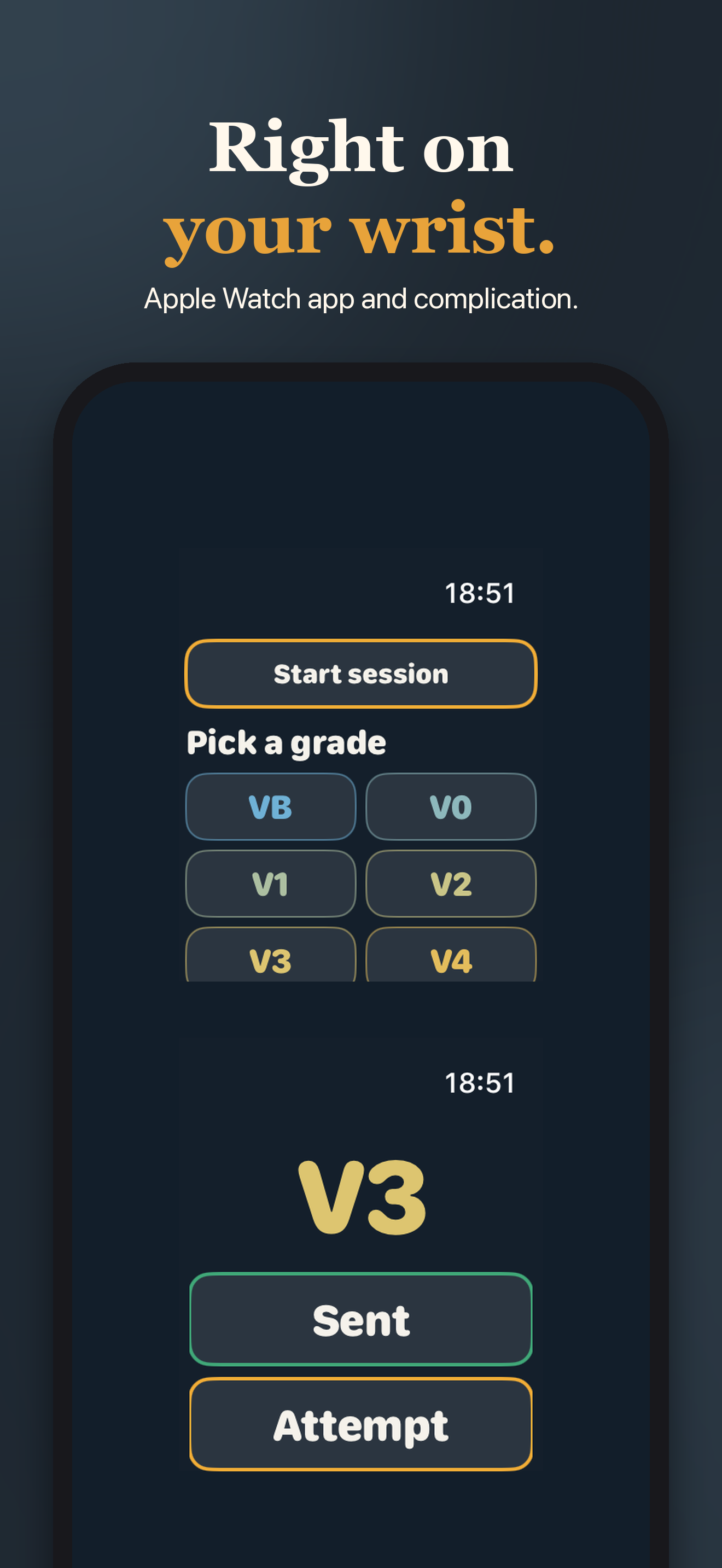
- The watch app opens straight to the grade buttons. Tap a grade, then tap Sent or Attempt. That is the whole log.
- If your phone is out of reach, climbs are queued and arrive later. Each climb is only counted once.
Log on your phone
- Disciplines: boulder, sport, top rope, trad and board.
- Styles: onsight, flash, redpoint, repeat or attempt.
- Add a route name, tries, a place, notes and a photo.
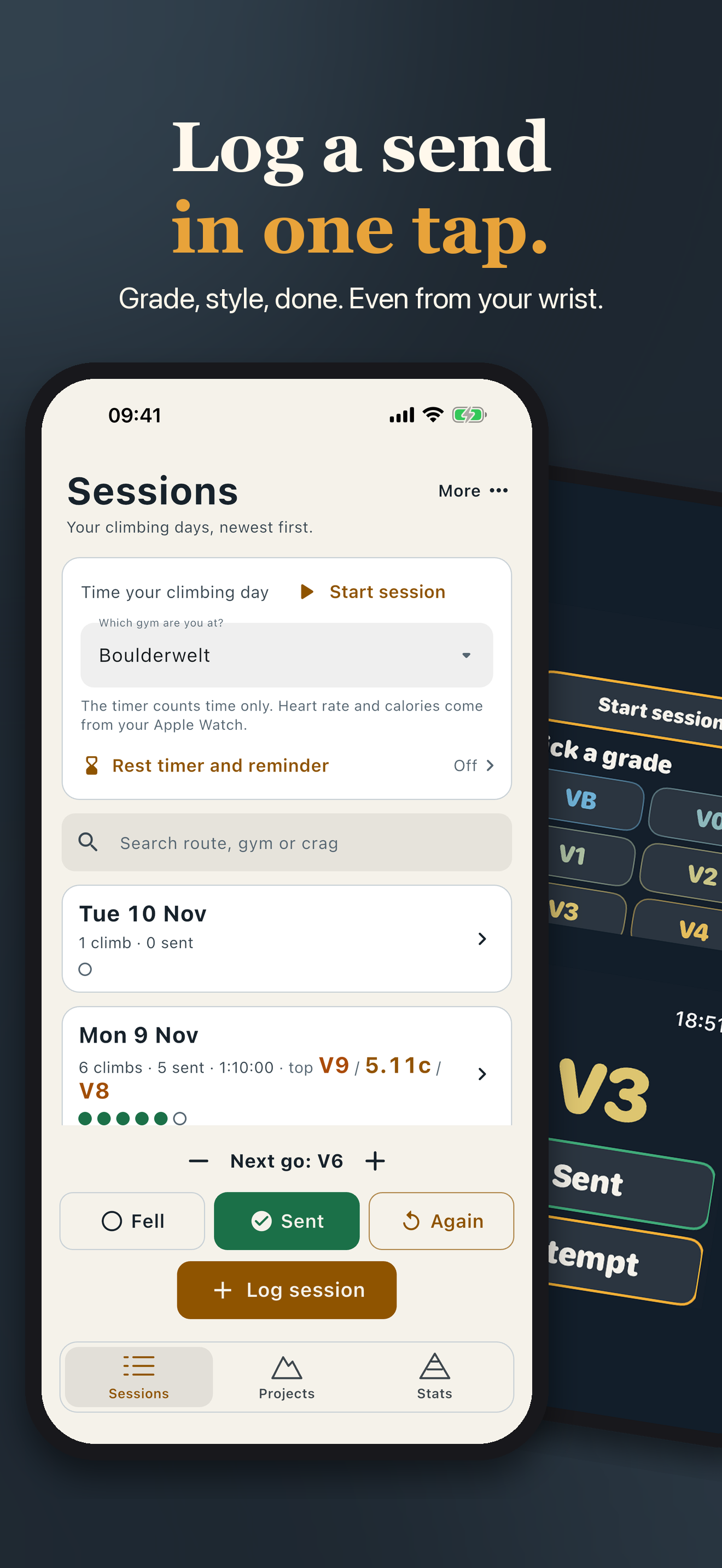
- The form opens on your last grade and style, and an Again button logs the same climb in one tap.
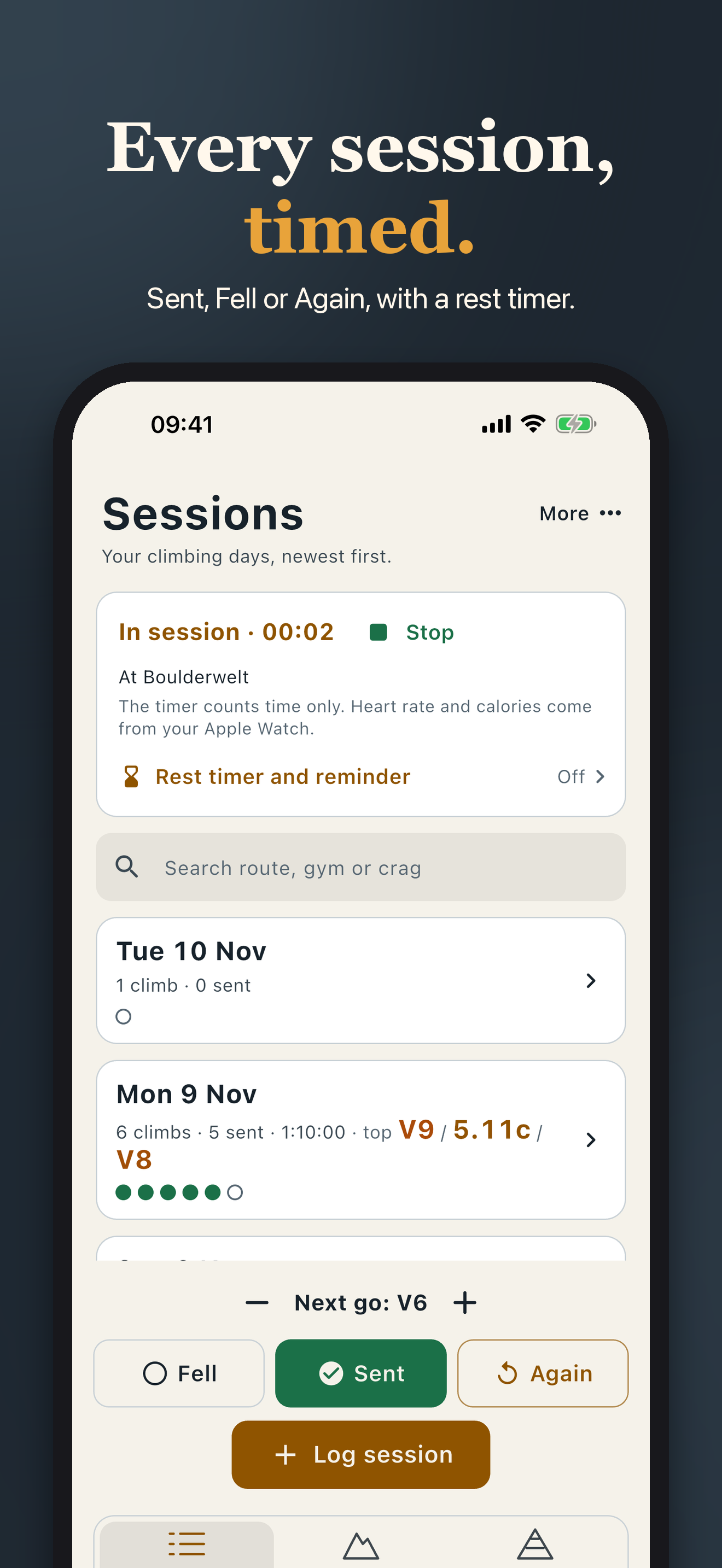
- Start a session timer and see your session time.
Apple Health and rest timer
- On the Watch, a climbing workout records your heart rate and calories and saves to Apple Health.
- A session timed on the phone can be saved to Health too. It is off until you turn it on.
- Pick a rest of 1, 3 or 5 minutes. It buzzes when the rest is over, and a gentle reminder nudges you to log the next climb.
Widgets, live activity and Siri
- Add the This week or Log a go widget to your Home Screen. Log a go has Fell and Sent buttons.
- While a session runs, the Lock Screen shows the same buttons in a Live Activity.
- Ask Siri to log a send or a fall, undo the last log, start a session, log the same climb again or tell you your week.
On iPad and Mac
- Topout Log also fits iPad, with sessions and projects side by side, and runs on a Mac with Apple silicon. The Watch app works with iPhone.
Grade systems
- Boulders in V or Font. Routes in YDS, French or UIAA. Switch any time.
- Every climb also shows its approximate grade in the other systems. Conversions are approximate.
Sessions and projects
- Every day you climb is a session: climbs, sends, attempts and your hardest send.
- Give a climb a route name and it becomes a project, with its history of attempts and sessions until you send it.
- Save your gyms and crags as places, indoor or outdoor, and pick them from a list.
- Set a weekly goal of sessions and follow your streak. It is off until you pick one.
- Note why you fell (pump, crux, fear, conditions or beta) and tag a climb (crimpy, slopey, pinchy and more).
- Share a session as a picture card.
Stats
- Sends, days climbed, hardest send and flash rate.
- Sends per grade, hardest send by month and sends over time.
- Climbs per place, and personal bests such as the most climbs in a day and the longest session.
Your records, your file
- Export everything as a CSV that opens in any spreadsheet, and import it again.
- Keep your log the same on iPhone and iPad with iCloud sync (iOS 17 or later). A full backup is saved before the first sync and before any merge that deletes.
- Backups are made automatically after changes and every week, and the last five are kept. Back up now to a file, or restore from a file.
- A short intro on first launch, which you can replay.
Private
- Your data stays on your devices. If you turn on iCloud sync, your climbs, places, session times and photos go only to your own iCloud, never to us. Sync is off until you turn it on.
- The app does not collect data and has no analytics or tracking.
Where to get it
On the App Store for iPhone and iPad. An Apple Watch app where the features below say so.
Questions or a problem: support. What it does with your data: privacy.